

Budget Smarter with These Spending Tracker Apps
By Rosy S. Santos

Managing personal finances can be challenging most of the time, but it doesn’t have to be. With just a few taps on your phone, you can gain better control over where your money goes, how much you save, and what you prioritize so that you can make smarter financial decisions and build better habits.
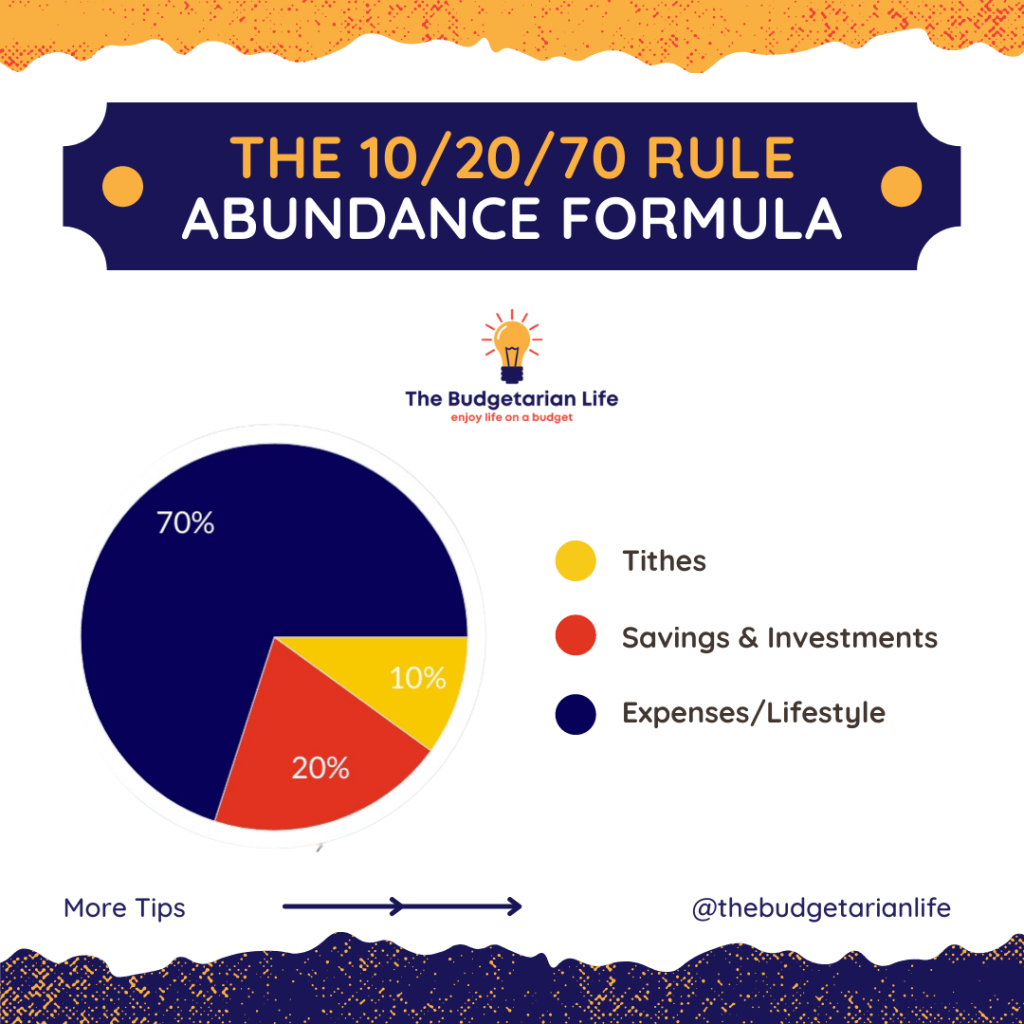
Personally, I have found the 10/20/70 abundance formula helpful in managing my finances. I allocate 70% of my income for daily expenses, 20% for savings and investments, and 10% for tithes. This is supported by a spending tracker mobile app, which helps ensure that I stay on track and monitor whether my budget allocations are being followed consistently. This combination of mindful budgeting and digital tracking has helped me become more financially disciplined and intentional with how I manage my income.
To support the financial wellness of NLEX employees, here are spending tracker mobile apps you can explore, including a brief how-to guide for each one to get you started fast.
Spending Tracker Mobile Apps
1. Spending Tracker – Simple. Clean. Effective.

- Open the app and set your preferred time period (weekly, monthly, yearly)
- Tap the “+” button to manually add income or expenses.
- Assign categories (e.g., bills, groceries, transport).
- View reports (bar/pie charts) to monitor trends.
2. Lista – Made for Filipinos managing personal or small business funds.
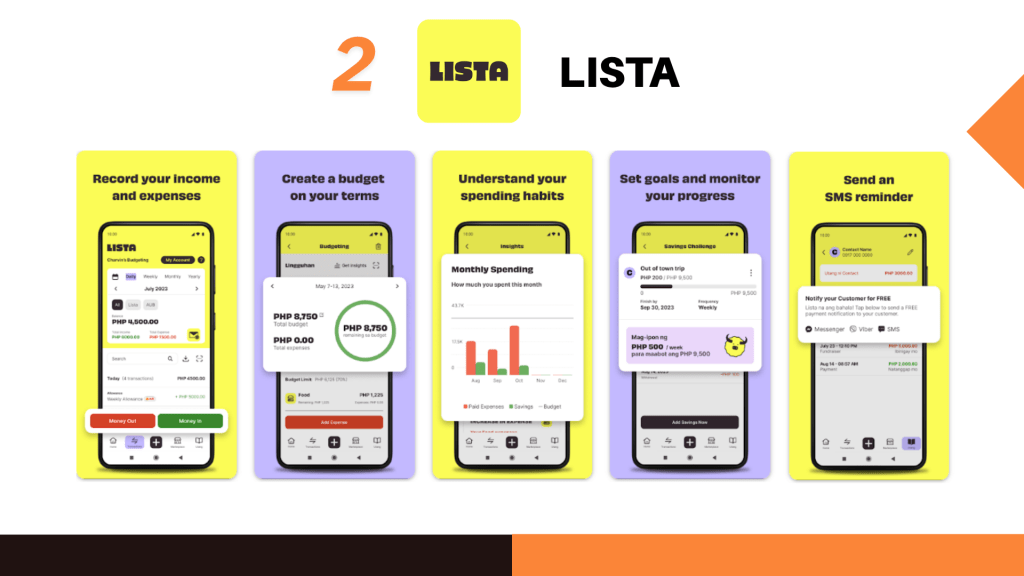
- Choose between “Personal” or “Business” mode.
- Record transactions manually—you can add “utang” (debts) or “bayad” (payments).
- View daily or monthly summaries and get payment reminders.
3. Monefy – Easy manual logging with visuals and widgets.

- Tap the “+” sign to enter expenses or income.
- Choose a category icon (e.g., food, shopping).
- Review your pie chart summary to see spending at a glance.
- Use daily/monthly views to check trends.
4. Spendee – Great for couples/family budgeting and colorful visuals.
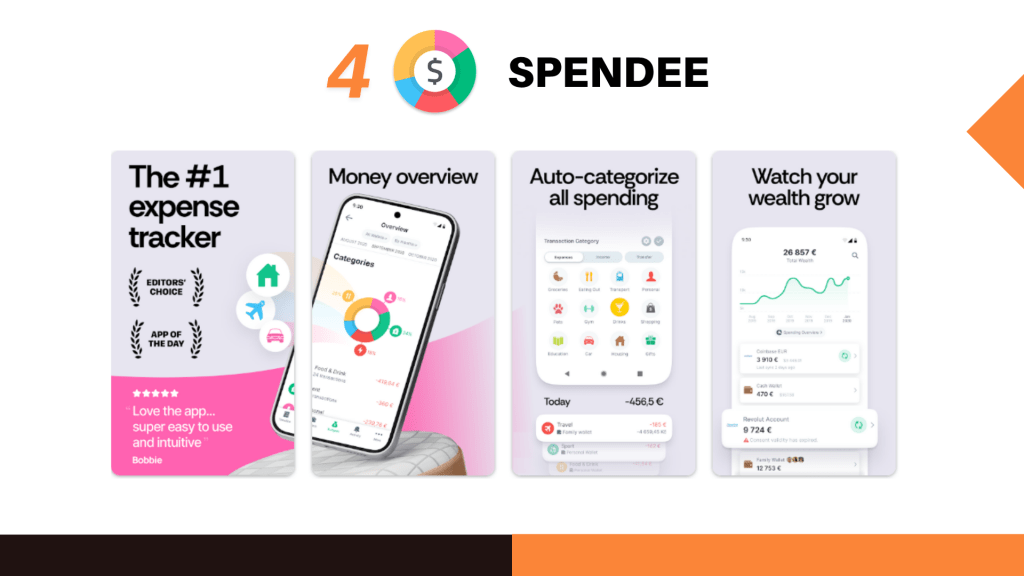
- Set up wallets (e.g., “Cash,” “GCash,” or “Bank”).
- Manually log transactions or connect accounts.
- Set a budget for each wallet.
- Get spending summaries and alerts for going over budget.
5. GCash GSave & GInvest – Built-in money tools inside GCash.
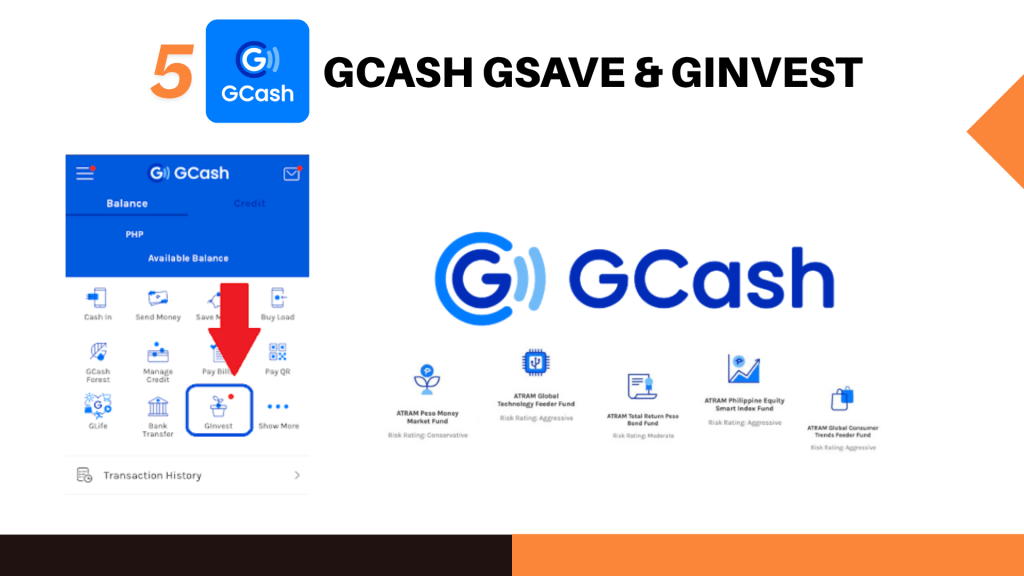
- Open GCash App and tap “GSave” or “GInvest.”
- For GSave – register, open an account, and deposit funds.
- For GInvest – answer risk profile, then start investing as low as ₱50.
- Use Transaction History to view spending/saving records.
By using a mobile tracker and sticking to this simple formula, you’ll develop a mindful relationship with money. Your goals are within reach—just log, check, and adjust. Start tracking today!

Rosy S. Santos, Human Resources and Administration. Outside work, she manages to attend financial, motivational, and spiritual talks. She’s fond of reading inspirational and fictional books and writing in her journal. She loves to travel, eat out, and watch movies and YouTube videos to relax and enjoy life.
 NLEX Company Newsletter